Communicating with Creators: Messaging Tool vs. Brand Announcements
Last updated: August 7, 2026
Overview
Levanta offers two primary tools for communicating with your creators: In-App Messaging and Brand Announcements. While both help you stay connected with your partner network, each serves a distinct purpose in your creator management strategy. Knowing when to use each one ensures your messages reach the right creators in the right way.
1. Brand Announcements
Recommended for Broad Updates
Brand Announcements is the go-to tool for keeping your partnered creators informed about brand updates. It provides a centralized communication experience and reduces inbox clutter for creators — so your most important updates always get the visibility they deserve.

When to use Brand Announcements:
New Product Launches — Highlight new additions to your catalog and get creators promoting them quickly
Seasonal Promotions — Announce Black Friday, Cyber Monday, Prime Day deals, or other time-sensitive campaigns
Brand News — Share media kits, brand updates, or new partnership opportunities with your full creator base
Key benefits:
Visibility — Announcements appear on your brand page, the creator's dedicated Announcements tab, and in their daily summary emails — making them hard to miss
Rich Content — Tag specific products and attach files directly to your announcement for a more informative, actionable update
Efficiency — Eliminates the need for repetitive one-off messages when communicating broad updates to all partners
How to Create an Announcement
Navigate to Brands → Announcements and follow the steps below:
Click Create new announcement
Select the Brand you want to send the announcement from
Choose your Recipients:
All partnered creators
A specific creator group
All partnered creators except specific creators
Enter your announcement details and message
Click Publish to send
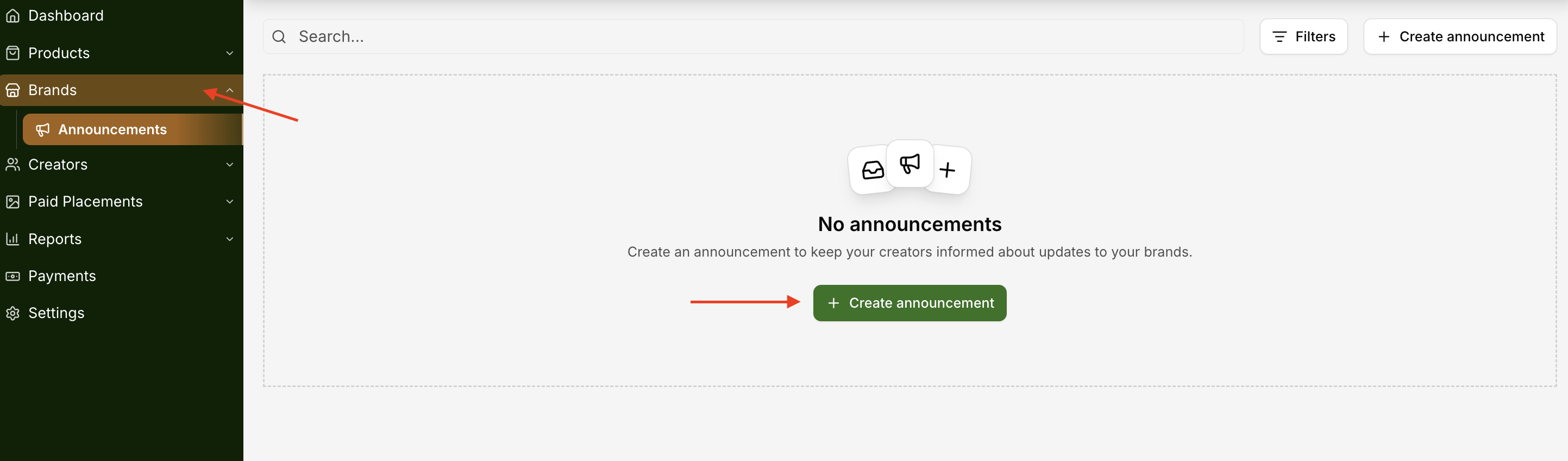
Note: You can send up to 2 announcements every 7 days per brand.
2. Messaging Tool
Best for Targeted & Direct Outreach
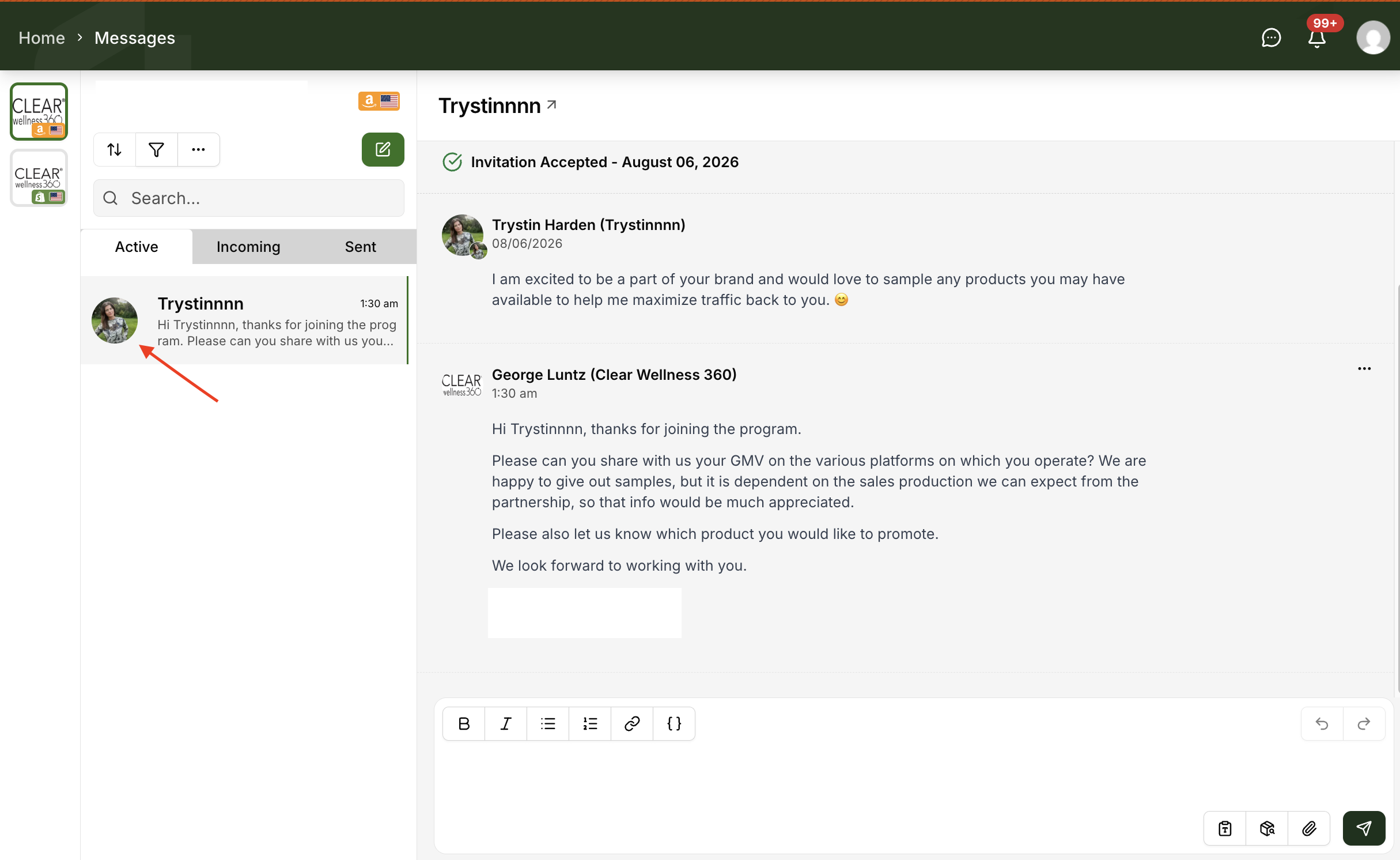
The Messaging tool is best suited for direct, two-way communication and personalized outreach. Use it when the conversation needs to feel intentional and individual rather than broadcast.
When to use the Messaging tool:
Personalized Onboarding — Send individual "Welcome" messages to newly approved creators with specific action items to get them started
Private Offers — Share unique, one-off promo codes or incentives that shouldn't be visible to your entire partner list
Relationship Building — Have 1-on-1 conversations to discuss content strategies, sample requests, or performance feedback
Targeted Group Outreach — Message a specific Creator Group (e.g., your "Top Performers" or "Tech Reviewers") for more focused, relevant communication
Best practices:
Use Templates — Message templates help maintain consistency across outreach while still allowing for quick personalization
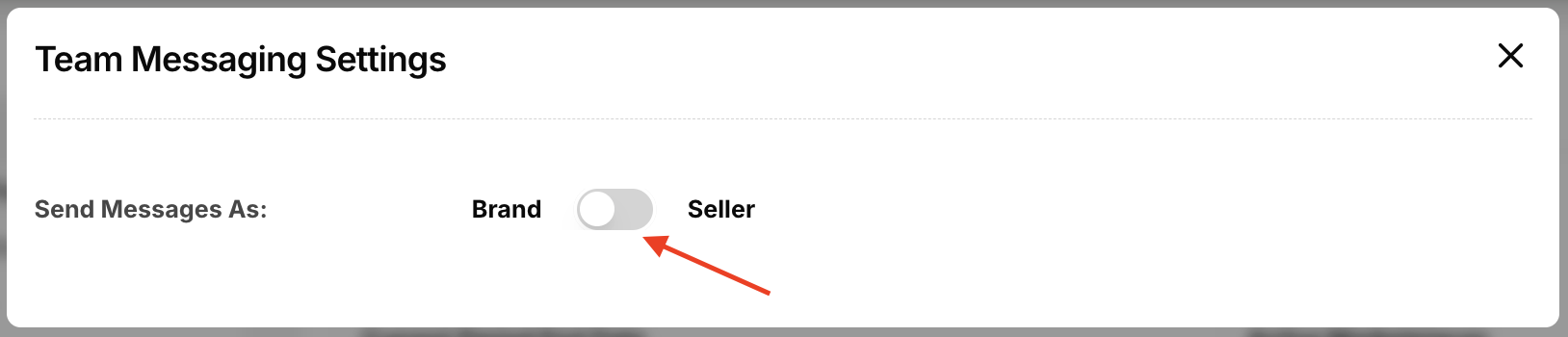
Check Your Persona Settings — Before sending, confirm you're messaging from the correct persona (Brand View vs. Seller View) so creators see the right identity associated with your message.
Which Tool Should I Use?
Feature | Best For | Visibility |
Brand Announcements | Broad updates: launches, deals, and newsletters | Brand page, Announcements tab & daily emails |
Messaging Tool | Direct outreach: welcome notes, 1-on-1 support, and private offers | Creator inbox / conversation thread |
💡 Pro Tip
For major sales events like Black Friday, use Brand Announcements to ensure all partners see the core deals. Then follow up via the Messaging tool with your top-performing creators to offer exclusive incentives or private commission boosts — giving your best partners a VIP experience without cluttering everyone's inbox.
Questions or Need Help?
Our team is here to support you! Reach out to your dedicated CSM or email us at cs@levanta.io