Managing Creators with Bulk Actions
Last updated: February 11, 2026
How to Send Invites, Hide Creators, and Manage Groups in Bulk
This guide walks you through how to use the Bulk Actions feature in the Creator Directory to efficiently manage multiple creators at once. Learn how to send partnership invites, hide or block creators, add creators to groups, and reset selections—all in just a few clicks.
📌 Note: You can select up to 100 creators at a time for each bulk action. A minimum of 2 creators must be selected to activate bulk actions.
How to Send Bulk Partnership Invites
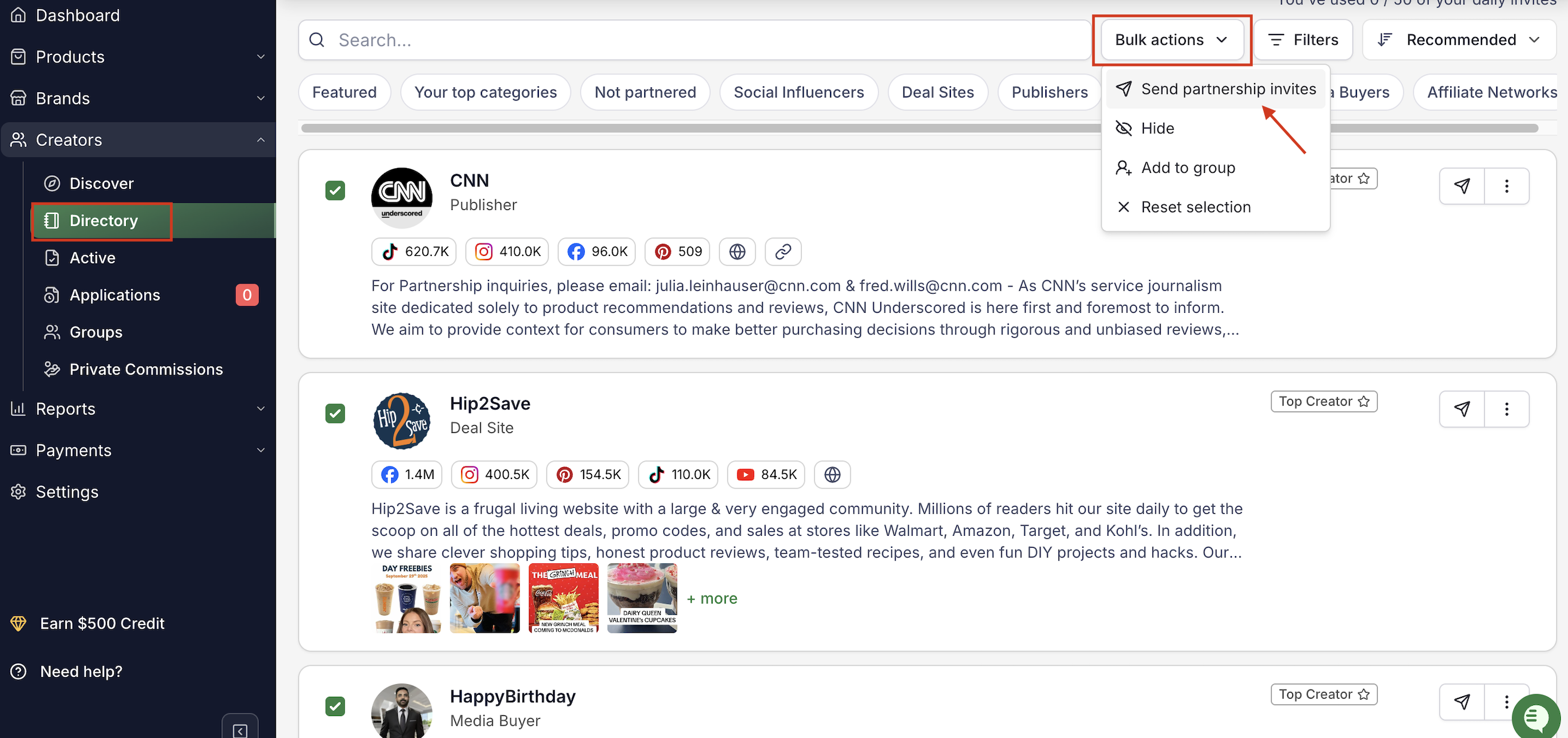
Go to Creators in the left-hand menu.
Click Directory.
Use the pre-saved filters at the top, or click Filters to refine your search manually.
Select the checkbox beside each creator’s name (minimum of 2 selections).
Click Bulk actions.
Choose Send partnership invites and your invitations will now be sent to all selected creators.
Hide Creator Accounts
You can hide creator accounts in bulk if they are not a fit for your brand.
Note:
-You can block/hide any creator regardless of partnership status.
-Hidden creators will no longer appear in your main Directory view.
-You can unblock them at any time.
To Hide Creators:
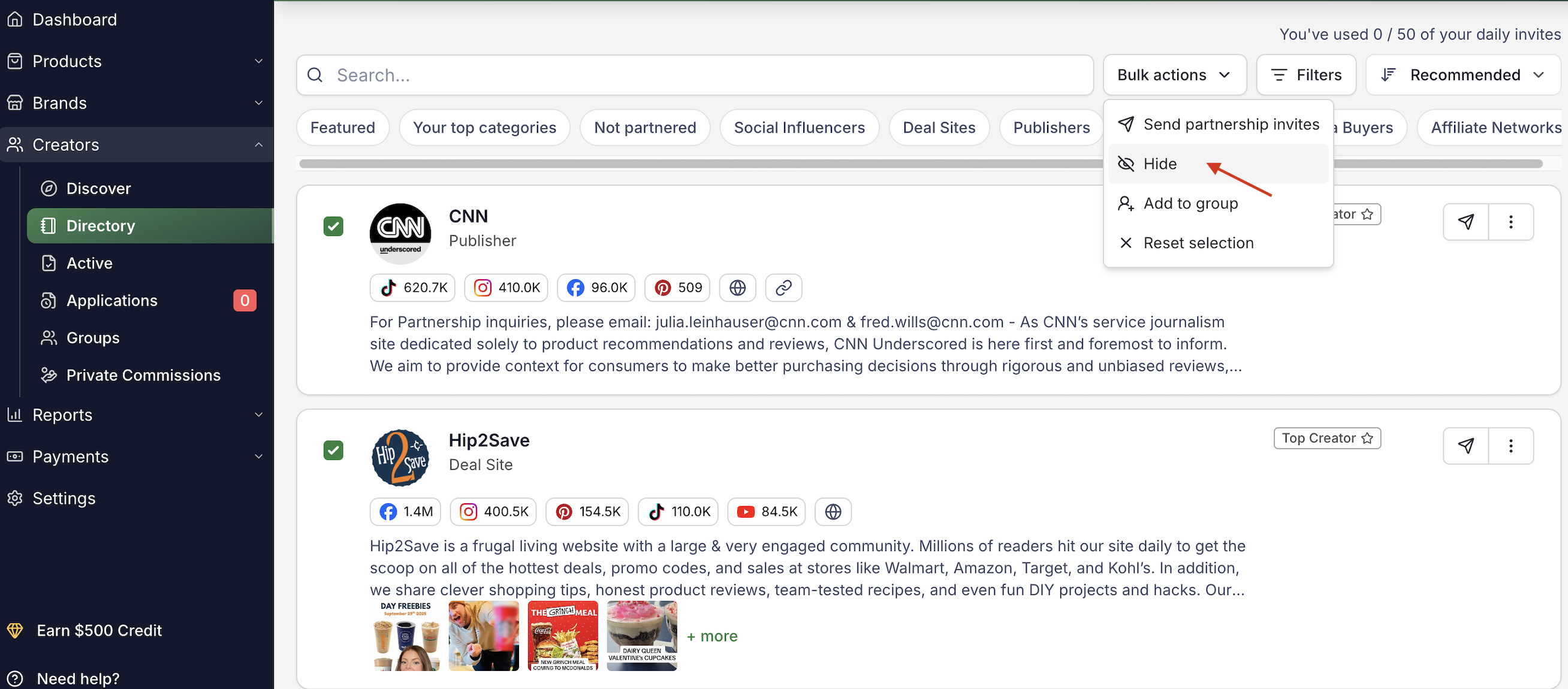
Select the creators from the Directory.
Click Bulk actions.
Choose Hide.
To View or Unblock Hidden Creators:
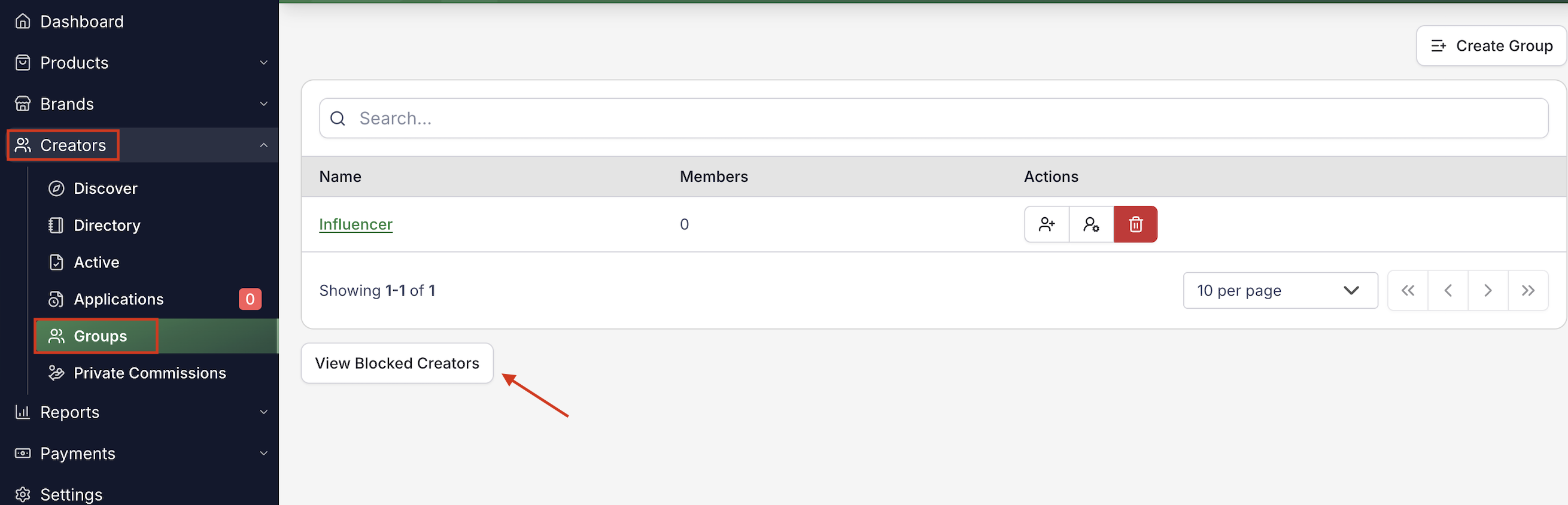
Go to Creators.
Click Groups.
Scroll to the bottom.
Select View Blocked Creators.
You can unblock creators anytime from this page.
Add Creators to a Group
You can assign multiple creators to an existing group at once.
This is helpful for organizing creators by:
Campaign
Category
Performance tier
Custom segmentation
To Add Creators to a Group:
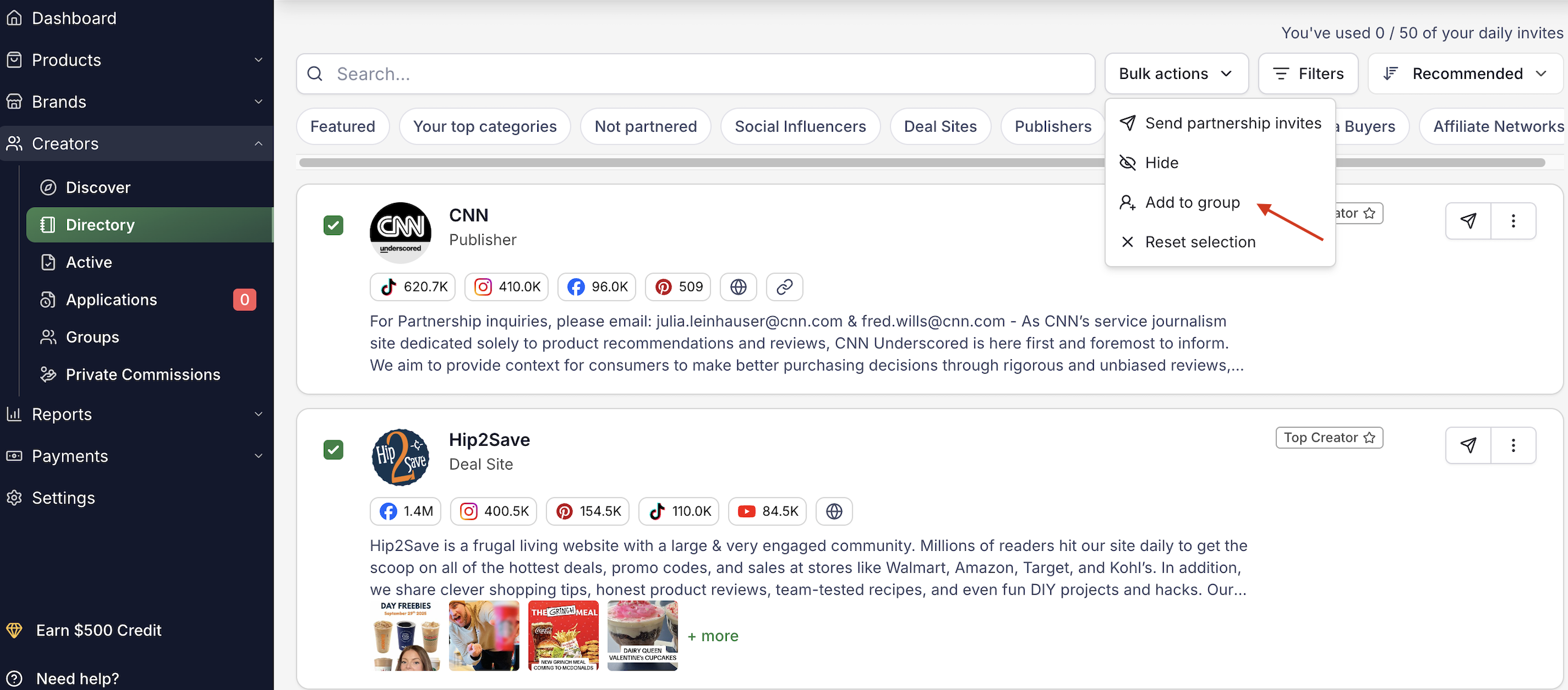
Select creators from the Directory.
Click Bulk actions.
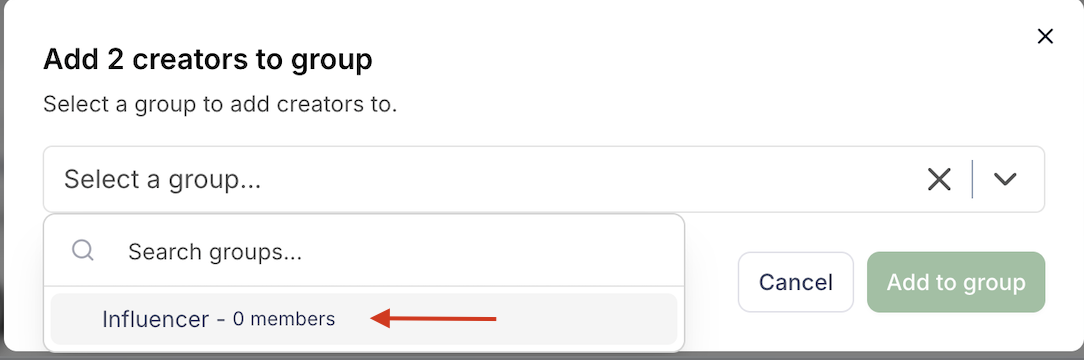
Choose Add to group.
Select the group you’d like to assign them to
Reset Selection
If you need to clear your current selection:
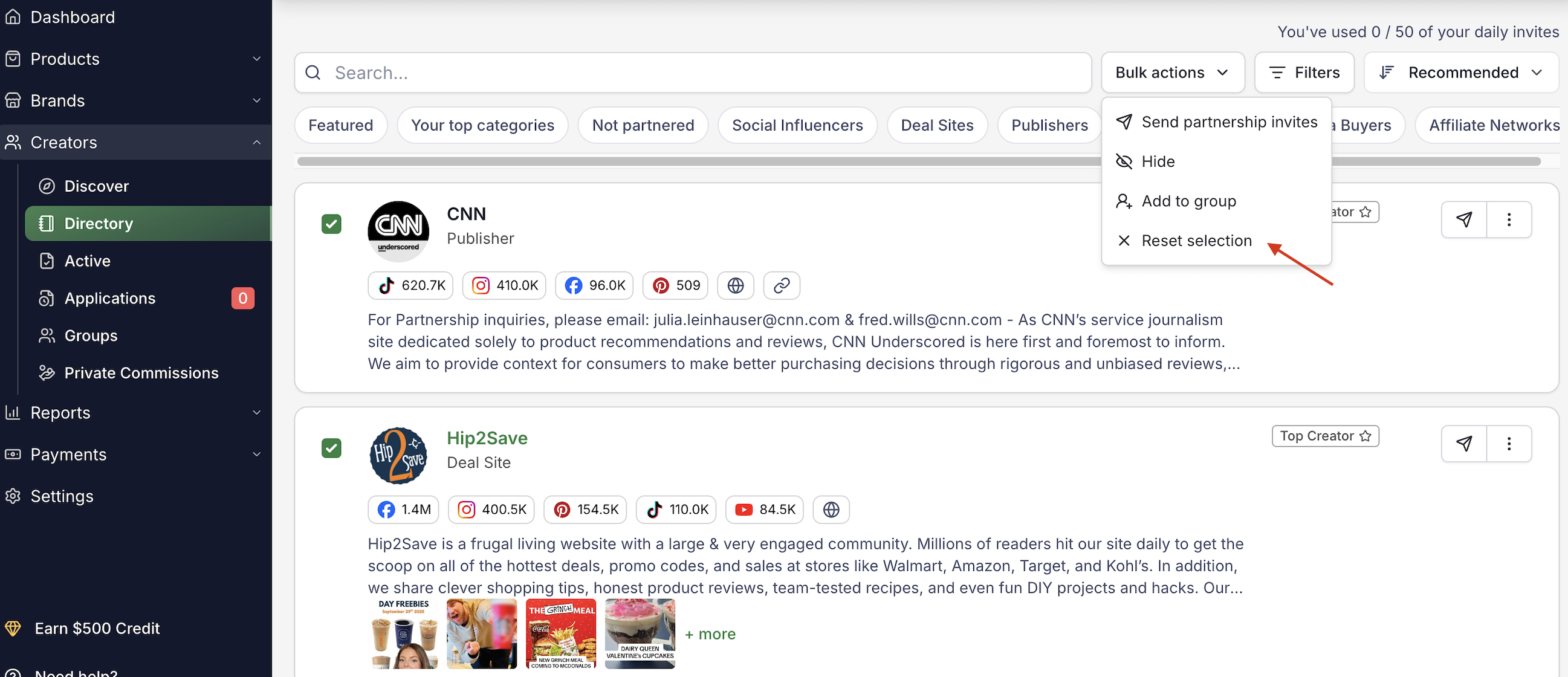
Click Bulk actions.
Choose Reset selection.
This will uncheck all selected creator accounts so you can begin a new selection.
Questions or Need Help? Our team is here to support you! Reach out to your dedicated CSM or email us at cs@levanta.io