Amazon Creator Connections Integration: Step-by-Step Setup
Last updated: August 3, 2026
This guide walks you through connecting Amazon Creator Connections to your Levanta account by authorizing Levanta as a partner inside Amazon Seller Central.
Note: These steps are performed in Amazon Seller Central, not in Levanta.
Step 1: Add Levanta as an Authorized Partner Inside Seller Central
Log in to your Amazon Seller Central account. (NOT your Levanta account)
Navigate to the User Permissions / User Management section.
Navigate to the Authorized Partners tab and select Add Authorized Partner.
Copy the one-time invitation link and send it to oliver@levanta.io via email.
Our team will open the link and send you an invitation to accept.
Step 2: Accept Levanta as an Authorized Partner Inside Seller Central
Log in to your Amazon Seller Central account. (NOT your Levanta account)
Navigate to the User Permissions / Open Invitations section.
Navigate to the Authorized Partners tab, and for the Levanta Affiliate, select Actions on the right-hand side, then Accept Invitation from the dropdown.
Step 3: Update Permissions Inside Seller Central
Once the Levanta Affiliate user is added, go to the Manage Permissions section within Seller Central.
Locate the Creator Connections line in the permissions table.
Grant Edit for Creator Connections permissions.
Where to See This in Levanta
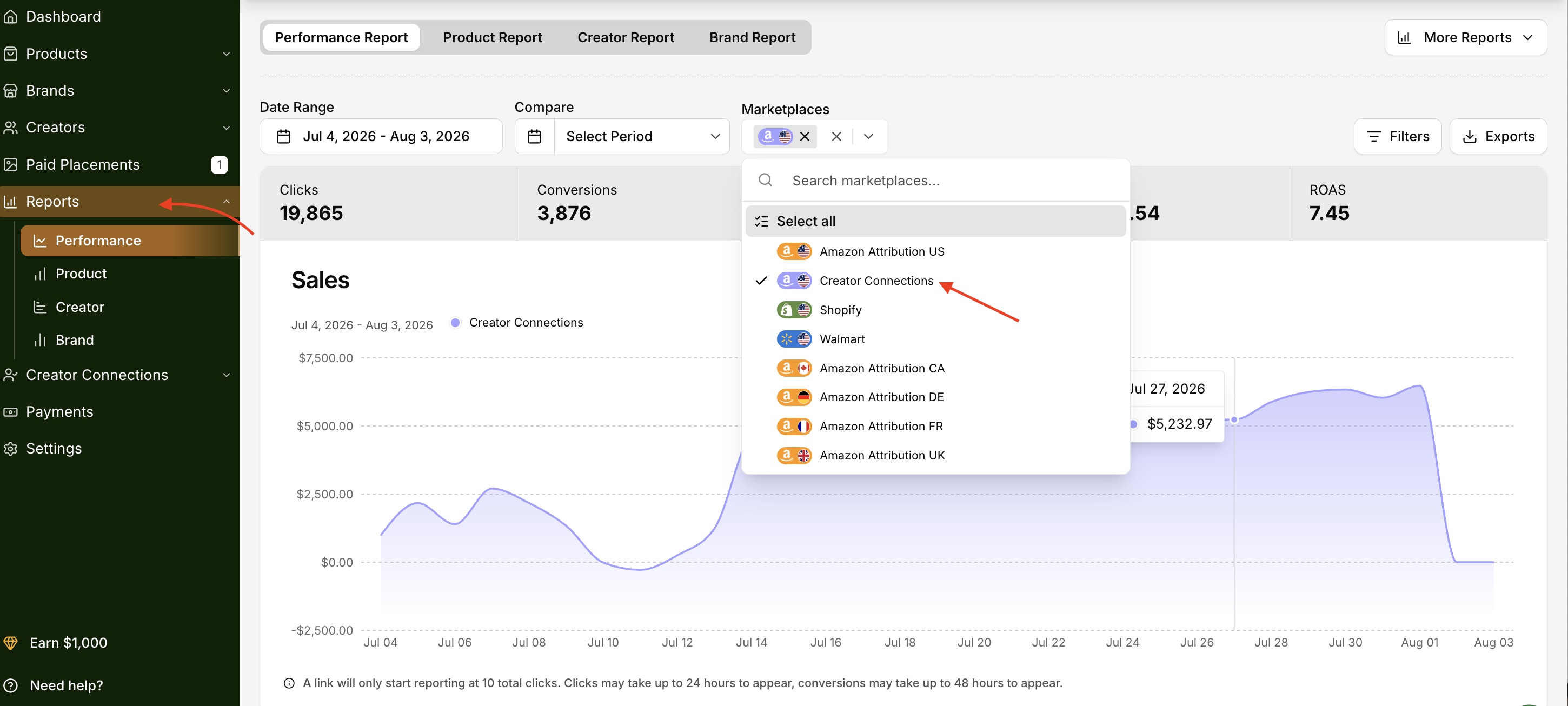
Once your permissions are updated, your Creator Connections data — including products, affiliate orders, and commissions — will begin syncing into your Levanta dashboard.
Questions or Need Help?
Our team is here to support you! Reach out to your dedicated CSM or email us at cs@levanta.io