Understanding Your Notifications (Sellers)
Last updated: October 21, 2026
Stay informed with timely updates that help you manage your campaigns, partnerships, and performance within Levanta. Below is a breakdown of the key notifications sellers may receive and what each one means.
🔎 Filtering Your Notifications
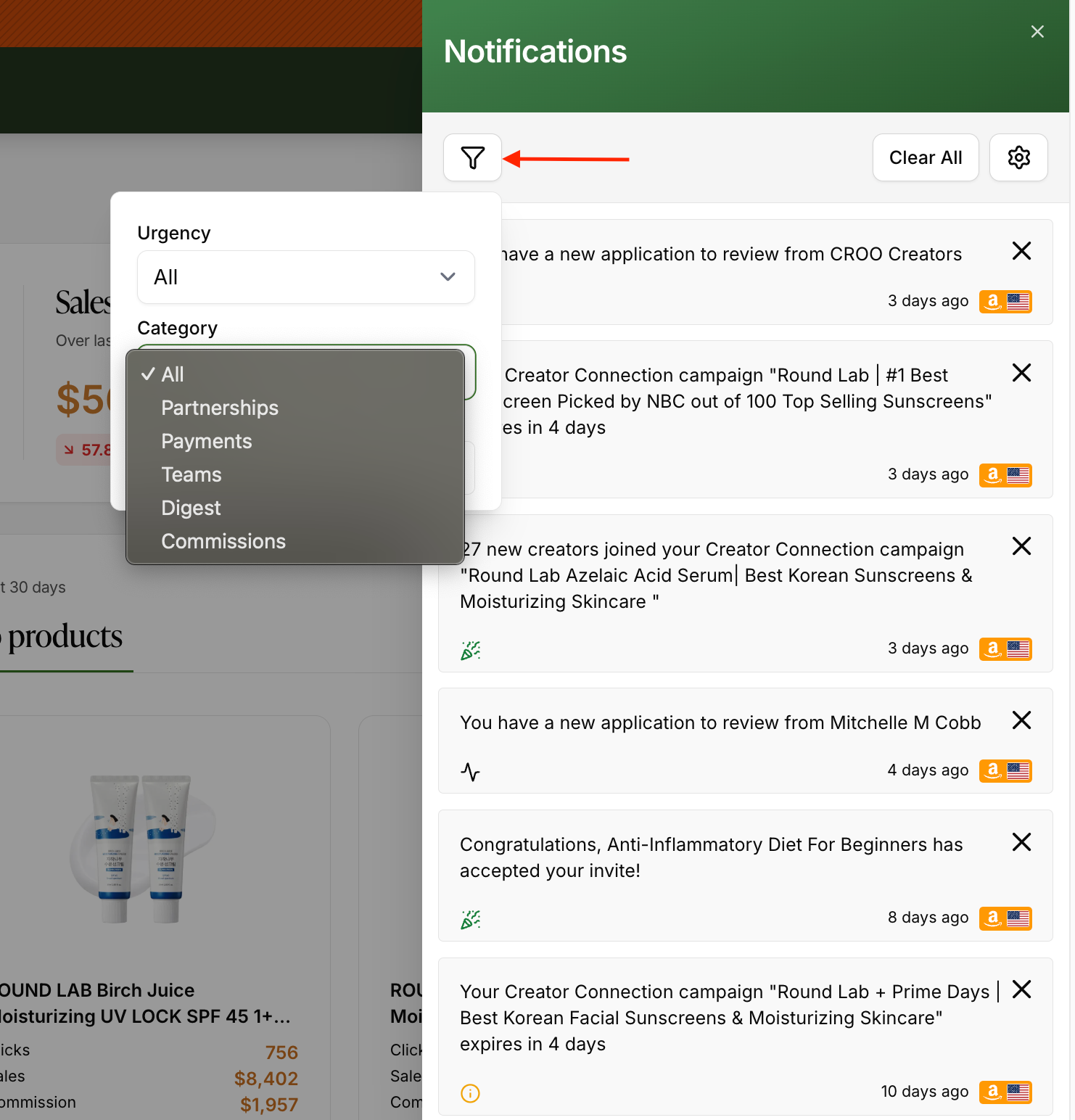
Your Notifications panel supports filtering, so you can quickly narrow down what you're looking at instead of scrolling through everything. Click the filter icon at the top of the panel to filter by:
Urgency – priority level of the notification
Category – notification type, such as Partnerships, Payments, Digest, Commissions, or Teams
Marketplace – a specific connected marketplace
Use Clear All to dismiss every notification at once, or the ⚙ settings icon to manage your notification preferences.
🤝 Partnerships
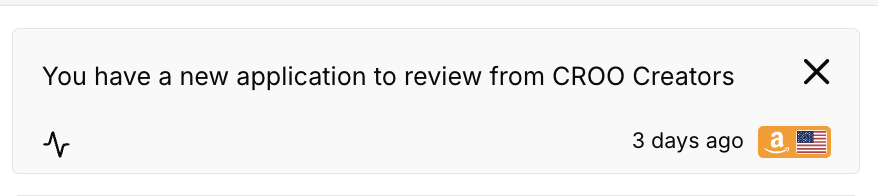
Partnership Request Received
You've received a new creator application for your brand's program.
What to do: Review and approve/decline via the Partnerships tab in your dashboard.
Invite Accepted
A creator has accepted your partnership invitation.
What to do: Monitor their performance and consider sending sample products or CPC invites to activate the partnership.
💳 Payments
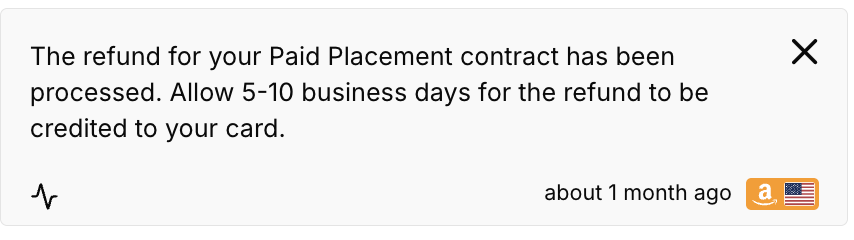
Paid Placement Refund Processed
Sent when a refund for your Paid Placement contract has been processed.
What to know: Allow 5–10 business days for the refund to be credited back to your card.
Paid Placement Escrow Payment Failed
Sent when your Paid Placement escrow payment fails to process.
What to do: Retry your payment as soon as possible to avoid disruption to your Paid Placement campaign.
Set up Payment Method Reminder
Sent weekly if no payment method has been configured.
What to do: Add your preferred payment method in your Billing Settings to avoid delays in creator payouts or platform access.
💰 Commissions
CPC Budget Threshold Alerts
Get notified when your Cost-Per-Click campaign hits these milestones:
50%
75%
100% of the total campaign budget
What to do: Review performance and consider adjusting the budget or strategy if needed.
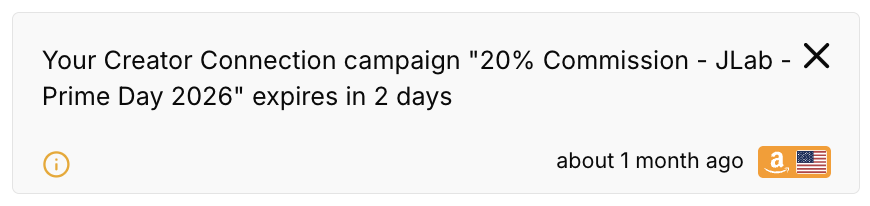
Creator Connection Campaign Expiring Soon
Sent as one of your active Creator Connections campaigns approaches its end date (e.g., "expires in 2 days").
What to do: Review the campaign and extend or renew it if you'd like it to keep running without a gap in coverage.
📬 Digest
Daily Summary
A daily email report summarizing important platform activity, including:
New creator applications
Invite acceptances
Campaign activity
Budget status updates
Use this to stay on top of your program's performance and creator engagement.
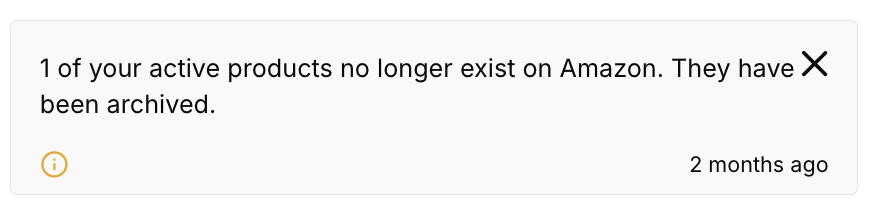
Products Archived
One or more of your active products can no longer be found via your Amazon connection and have been automatically archived (previously, this only surfaced as a "not found" flag rather than an automatic archive).
What to do: Check your catalog on Amazon to confirm product availability, then unarchive the product in Levanta if it's active again. These are reviewed daily.
👥 Teams
Notifications under the Teams category relate to account management and collaboration between team members. While specific notification text can vary, common alerts in this category include:
New Team Member Invitations – Sent when an Admin invites a new person to join the brand's Levanta account.
Invitation Acceptances – Confirms a newly invited team member has successfully joined and activated their account.
Role & Permission Changes – Sent when a user's role (e.g., changing from "Member" to "Admin") has been modified by an account owner.
Security & Login Alerts – High-urgency notifications for unusual login attempts, or when account security settings (like Stripe setup for creators) need attention.
Platform Access Requirements – Flags for missing access permissions, such as needing specific credentials for the Levanta Admin Panel or Seller Central integrations.
Other Sample Notifications
Amazon Ads Connection Disconnected
Sent immediately when your Amazon Ads connection is lost.
What to know: You have a 7-day grace period to reconnect before campaigns are paused and CPC functionality is disabled.
Brand Connection Disconnected
Sent when a brand's connection to Amazon is lost (e.g., attribution).
What to know: A 7-day buffer is in place before creator access is disabled and brand visibility is paused.
CC (Creator Connections) Onboarding Reminder
Sent weekly if Creator Connections is enabled, but no brand is connected to the feature.
What to do: Complete onboarding by linking a brand to begin inviting creators and receiving applications.
Plan Cancellation Notice
Sent multiple times leading up to a scheduled plan cancellation.
What to know: These alerts allow time for you to update billing details or switch plans before deactivation occurs.
📌 Where You'll Receive Notifications?
All notifications are sent via email and appear in your Levanta dashboard. Staying on top of these alerts ensures your creator program runs smoothly and efficiently.
Questions or Need Help?
Our team is here to support you! Reach out to your dedicated CSM or email us at cs@levanta.io