Understanding and Using Levanta’s Reporting Tools
Last updated: August 18, 2026
Levanta provides four reporting tools to help creators track performance and optimize their earnings across Amazon, Walmart, and Shopify. By leveraging filters and adjusting date ranges, you can gain deeper insights into your clicks, conversions, sales, and commissions.
4 Key Reports for Creators
Levanta offers the following reports to analyze different aspects of your performance:
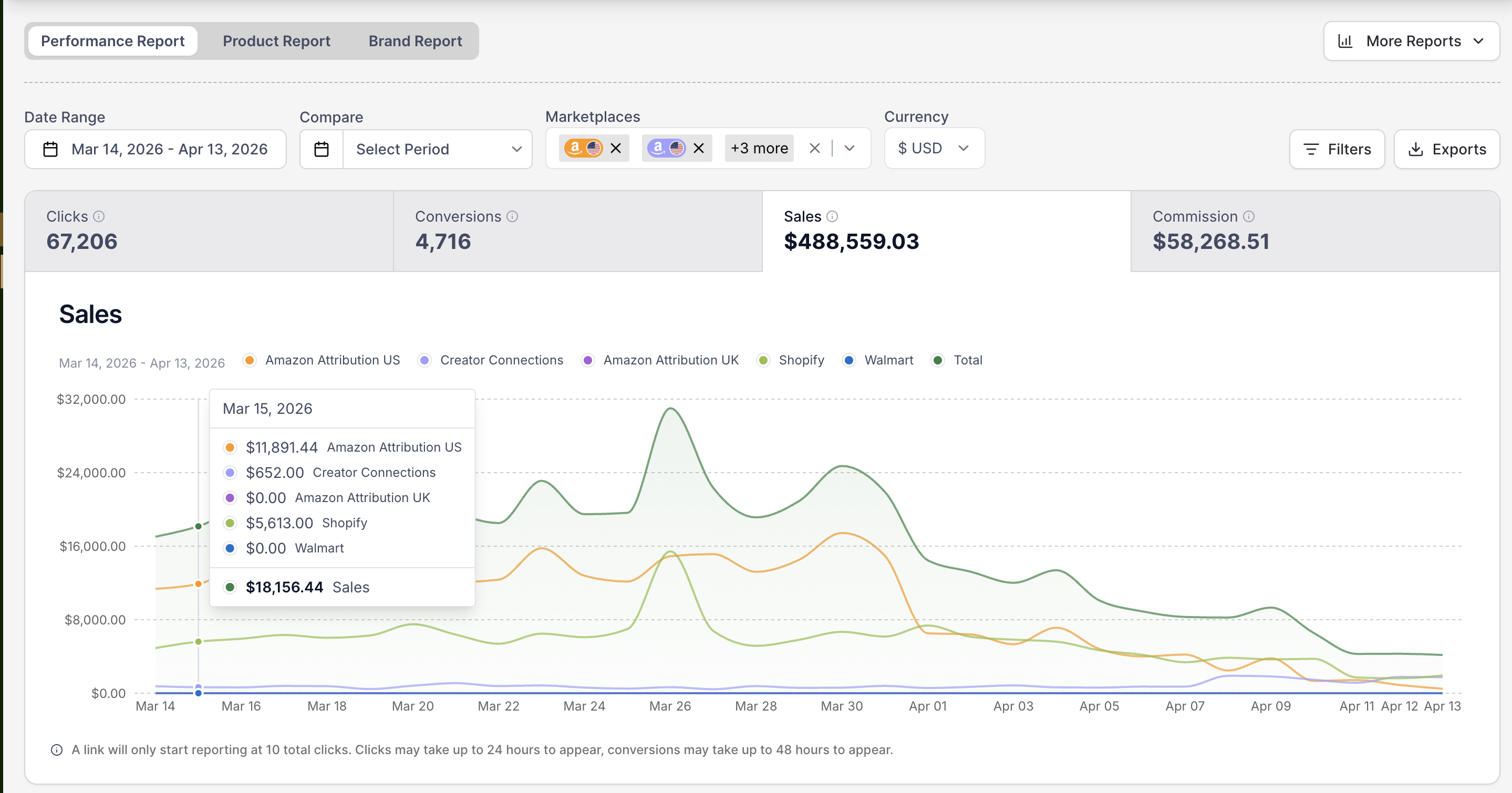
Performance Report – Drill down into Clicks, Conversions, Sales, and Commissions for specific date ranges.
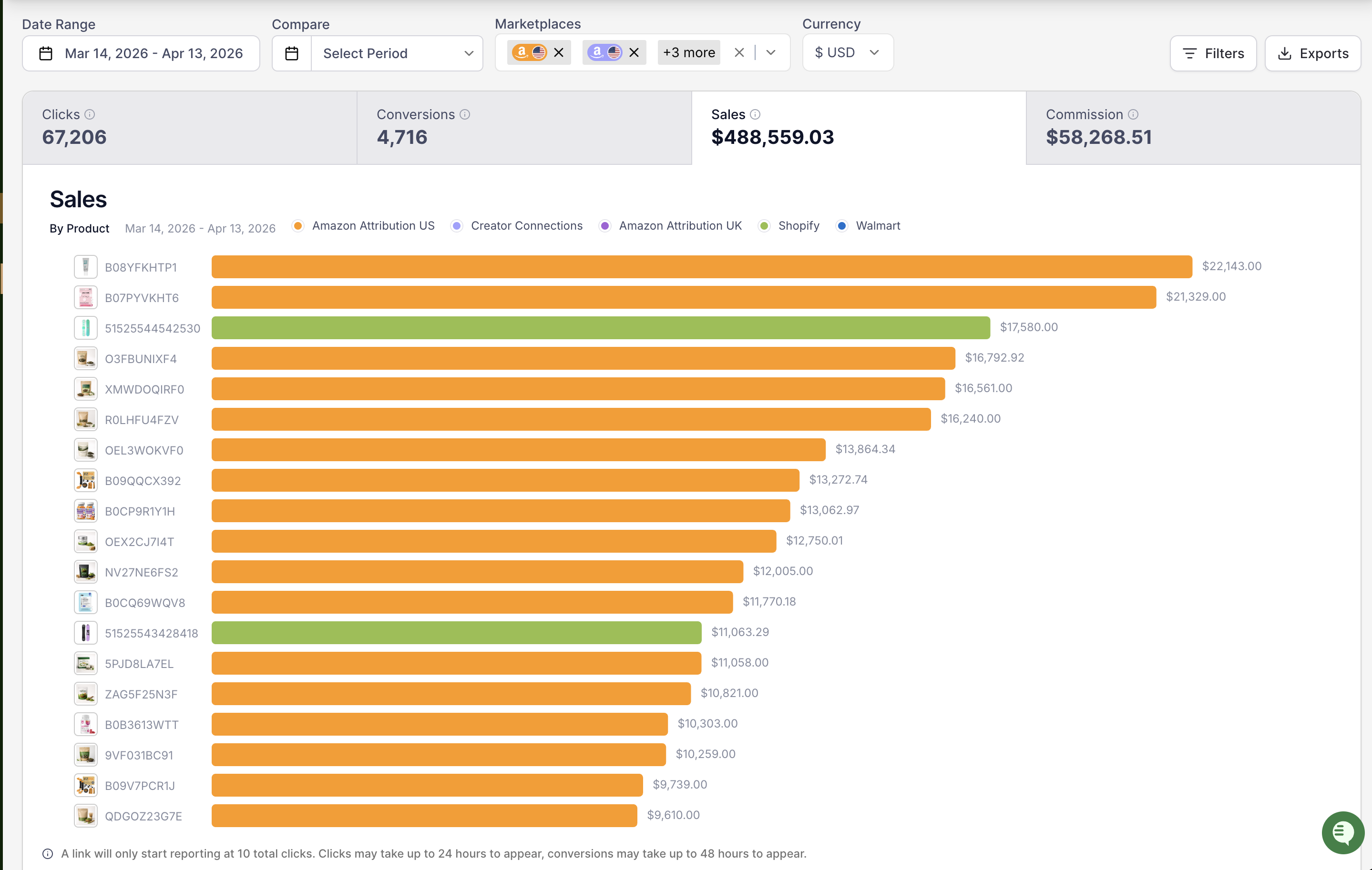
Product Report – Analyze performance at the product level, helping you identify top-performing products you promote.
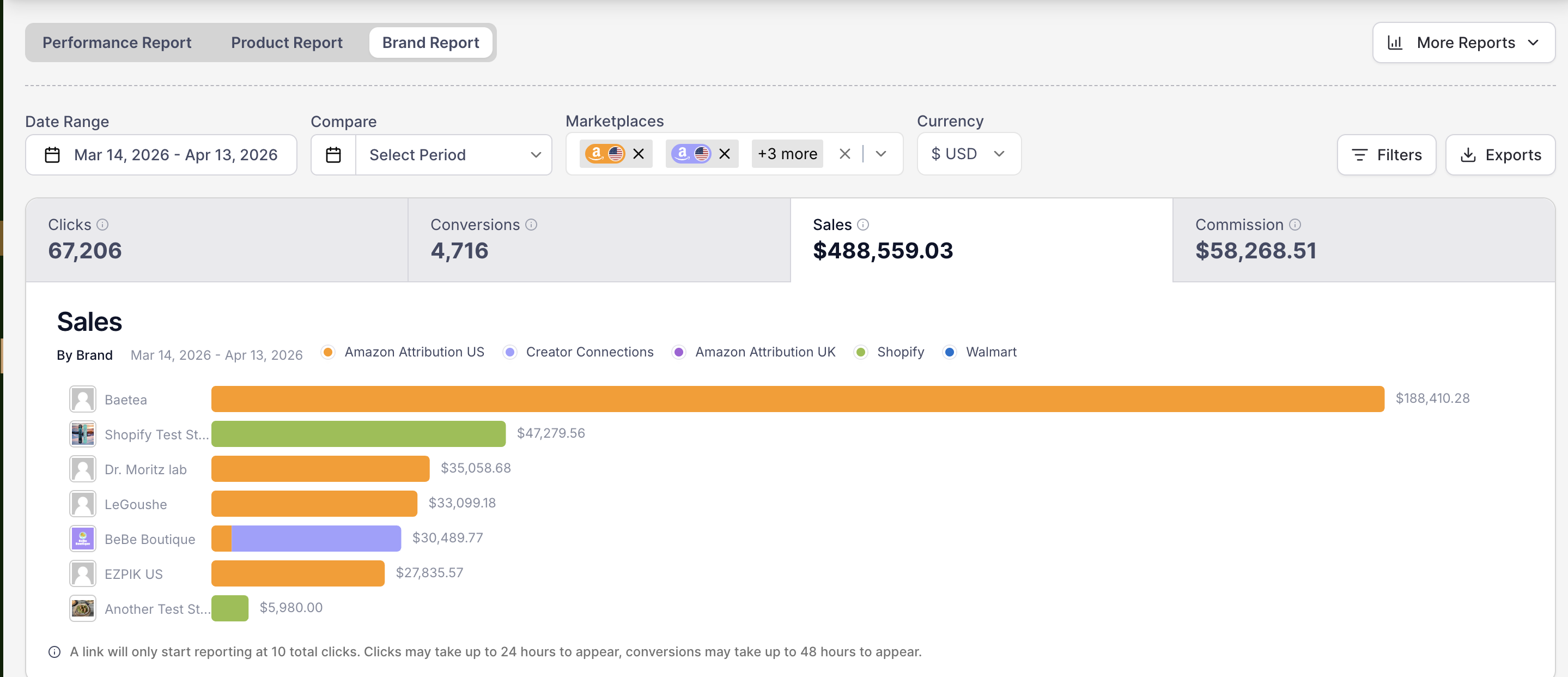
Brand Report – Review sales and conversion data by brand to see which partnerships are driving the best results.
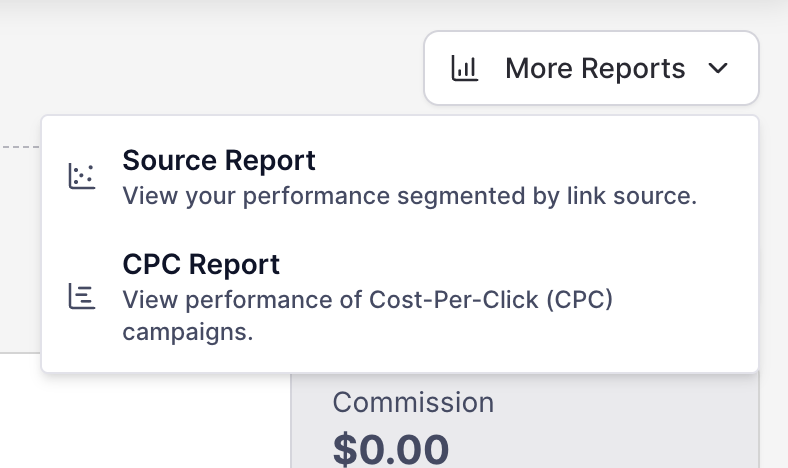
Source Report – Track performance by Source ID, allowing you to assess which traffic sources are the most effective. To go there, click on More Reports.
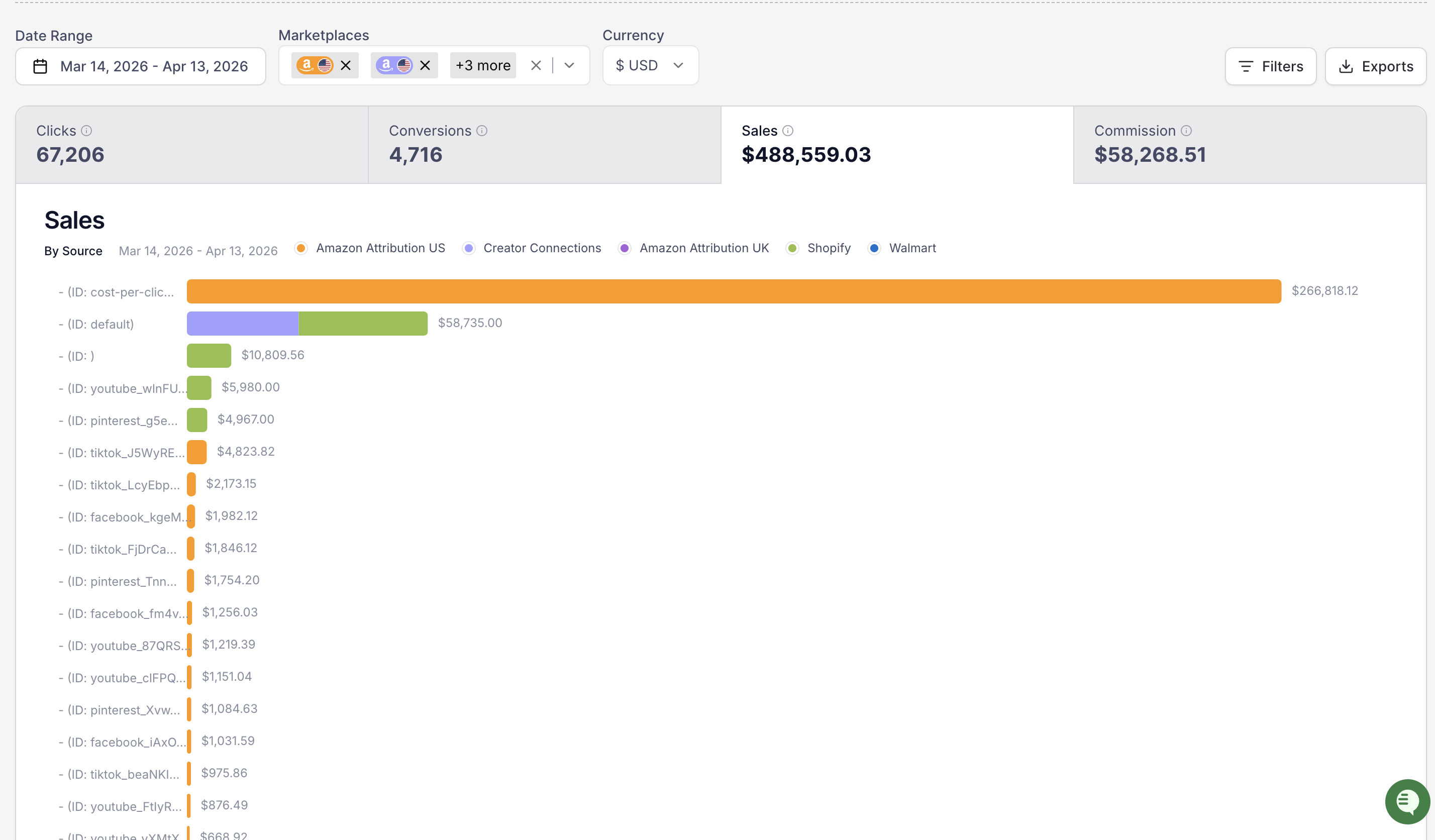
To refine your data and gain meaningful insights, use the filtering options available in each report.
How to Use Filters for Deeper Insights
Filtering your reports allows you to segment and analyze your performance in a more detailed way. You can:
Filter by Marketplace – Isolate Amazon, Walmart, or Shopify data to compare performance side by side.
Filter by Brand – See how different brands perform, helping you optimize your partnerships.
Filter by Product – Track which products are driving the most engagement and conversions.
Filter by Source ID – Identify which traffic sources (social media, email, blogs, etc.) generate the best results.
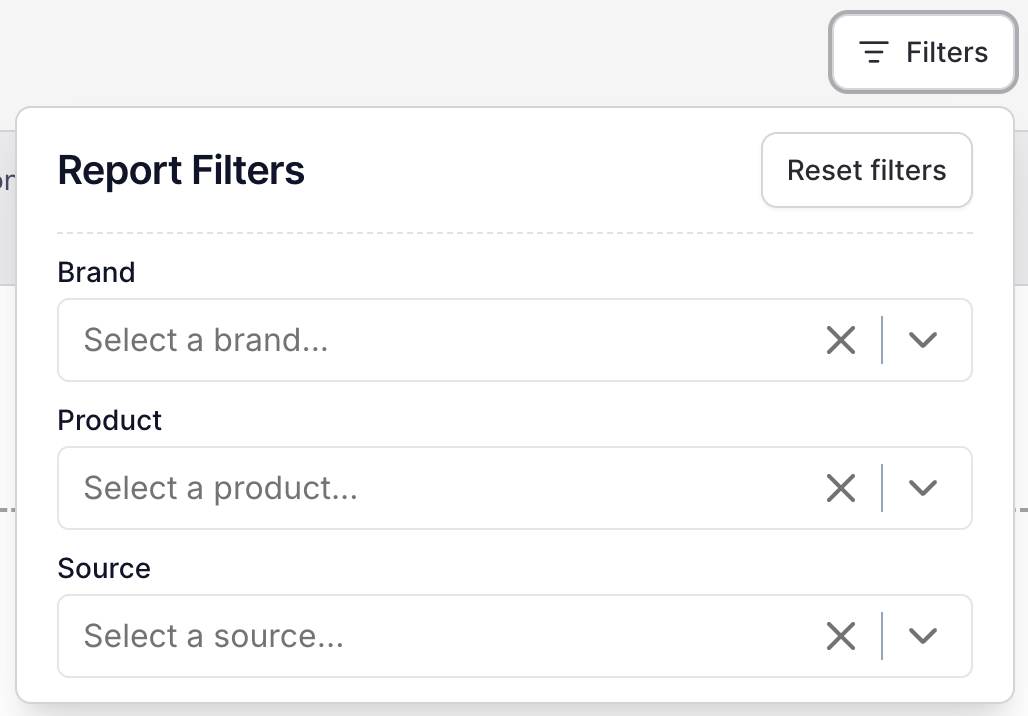
Tip: Adjust the date range to compare performance over different time frames!
Video Tutorial: Adjusting Date Ranges
[Arcade Interactive Video] - Adjusting Date Ranges
This interactive video will guide you through the process of adjusting date ranges that will help you refine your reporting view.
Traffic & Conversion Tracking
Traffic Data: You’ll start seeing clicks in Levanta after the first 10 recorded clicks. (This is due to Amazon not releasing the data until the 10-click threshold has been reached)
Conversion Data: Conversions will appear after the first sale is made.
Reporting Delay: On Amazon, clicks typically show up within 24 hours, and conversions can take up to 48 hours to fully process and display in Levanta. Shopify tracking runs close to real-time, with no meaningful reporting delay. Walmart sales typically show up within the next business day.
Exporting Reports
Need to analyze data offline? You can export any report as a CSV file by clicking "Export" in the top-right corner of the report page.
For further assistance, please contact cs@levanta.io.