Why are my Clicks or Sales not Showing Up in Levanta?
Last updated: August 18, 2026
If you’ve driven traffic or sales today but don’t see them reflected in Levanta, there are a few key reasons why this may be happening.
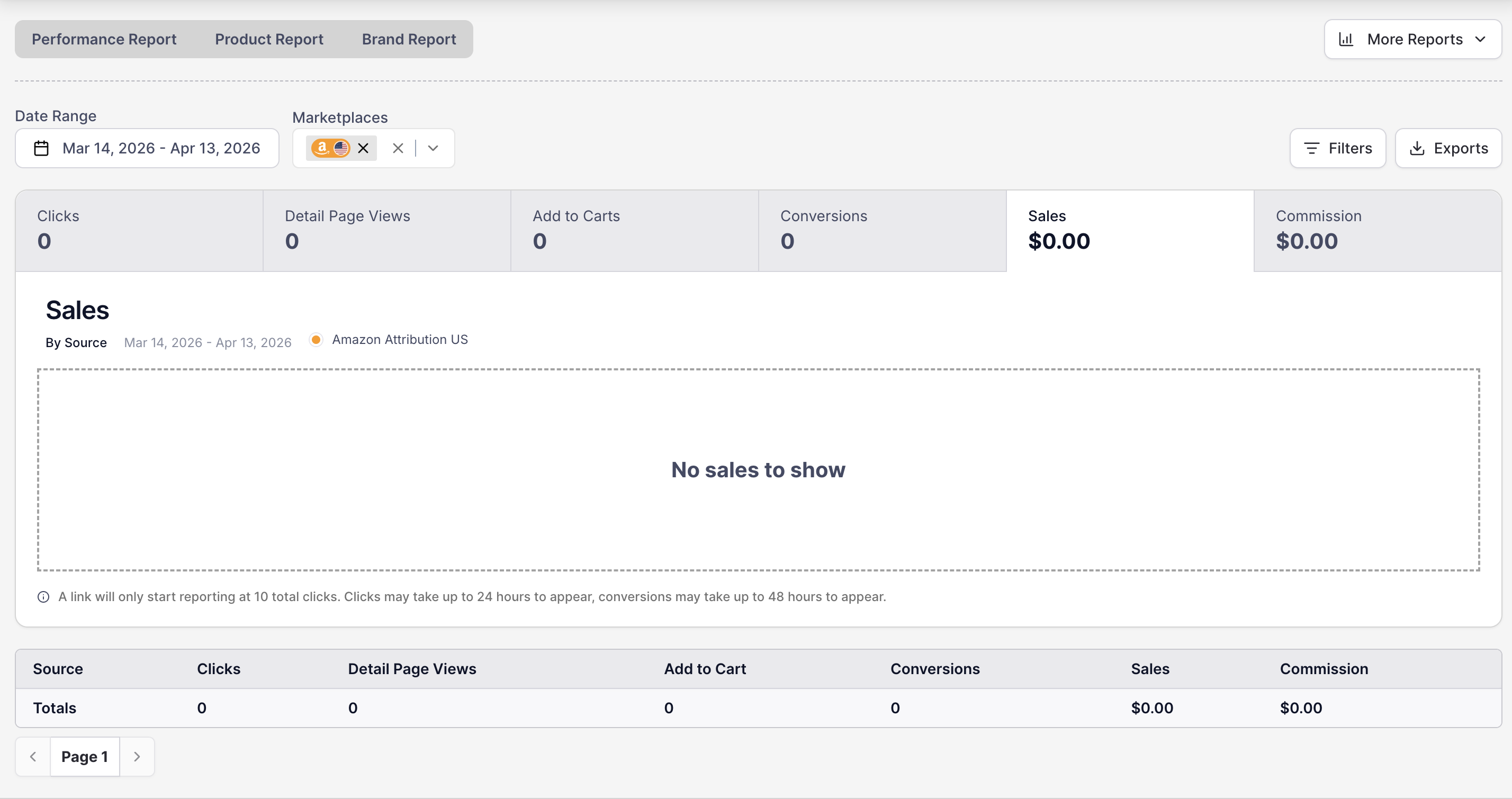
Amazon Data Processing & Reporting Delays
Amazon Attribution data has a 24-hour delay, meaning it may take up to a full day before conversions and traffic appear in your Levanta reporting. Additionally, product reporting can take up to 2 business days to start displaying results.
Click Threshold Requirement
Amazon requires that each link receive at least 10 clicks before traffic and conversion data are unlocked in Levanta. Any sales or activity before hitting this threshold are still tracked in the system, but will not be displayed until the requirement is met.
If you’ve just generated a new link, it will need to accumulate at least 10 clicks before reporting unlocks.
Each time you add source information to a URL, it creates a new, unique link that also needs to meet the 10-click threshold before data is shown.
To expedite the process, you can click on your link multiple times to help unlock the data.
Troubleshooting Missing Clicks or Sales
If your clicks are not registering or if you suspect an issue with data tracking, please follow these steps:
Ensure your link has received at least 10 clicks.
Wait 24-48 hours for Amazon Attribution to process the data.
If you still do not see your traffic or conversions reflected, contact cs@levanta.io with the following details:
The ASIN or Item ID, depending on the marketplace.
The Levanta links you are using.
A brief description of the issue you’re experiencing.
Walmart and Shopify
There's no minimum click threshold on Walmart or Shopify, so clicks appear without needing to reach a click count first.
If clicks or sales aren't appearing, check that you're using a link generated in Levanta rather than a standard Walmart URL or a direct link to the brand's store. Levanta Shopify links begin with lvnta.com/shop/.
If you've confirmed you're using a Levanta-generated link and data still isn't appearing, email cs@levanta.io with the link you used and the approximate date of the click or order.
Our team will investigate further and assist in resolving any potential tracking issues.
For more information on setting up tracking and optimizing your links, refer to our guide on Generating and Managing Affiliate Links in Levanta.